The lastest updates to PeerTube have turned it into a cost effective option for people wanting to create and distribute podcasts.
Before Starting
Podcast Plugins: Several of the features that enable podcasting on PeerTube were once integrated into 3rd party plugins. These plugins are no longer necessary as their features have been rolled into PeerTube.
Podcast Directories: The main downside of PeerTube as a podcasting platform compared to some services is the time it takes to add the RSS feed to podcast directory services like Apple and Spotify. However this is a one time process that can be completed in under an hour.
Video Podcasts: Unfortunately both YouTube and Spotify do not support video RSS feeds and want you to upload content directly to their platform. Luckily most podcast apps will let you "Open Episode Page" where they can stream the episode directly from PeerTube.
Steps On PeerTube
Create Your Channel
Channels > Create video channel
Create a video channel which you plan to use for your podcast. Ensure you fill all the fields and add an image when you do as they will be used to get approval of your feed in podcast directories.
Enable Audio Only Transcodes
Settings > VOD Transcoding
Enable VOD transcoding and below that "Audio Only" transcoding.
Enable Web Video Transcoding
Settings > VOD Transcoding
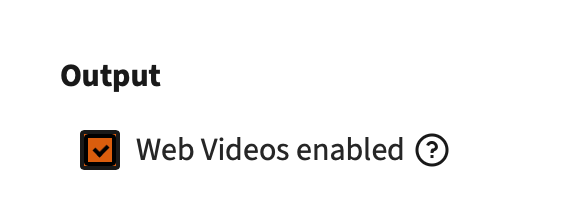
Due to issues with apple podcasts the older "Web Video" standard should be enabled.
Enable Public Email
Your Account Badge (Top Right) > Manage my accountPodcasts feed ownership is typically claimed using your email address. You must enable "Allow email to be publicly displayed" so they can scrape that email address and send you an email.
If you are using a personal email address for your peertube that you do not want to have on the internet you can change it here. Many podcasts setup a free email account and use it just for the show.
Upload (Or Transcode) Episodes To The Channel
Overview > VideosIf you have already uploaded podcast episodes without having "Audio Only" encoding enabled you will need to run transcoding again on all existing episodes.
Run HLS transcoding again on all the existing episodes. You should run Web Video transcoding as well if you're using that format.
If after transcoding has completed you expand the video using the ">" to the left of it and still do not see an "Audio Only" format try re-uploading the original file to force the transcoding
Get URL
Once you have the episodes in your library view the channel page when not logged in and get a copy of the podcast's RSS feed.
Register Feed With Services
You need to register a podcast RSS feed with services like Apple Podcasts, Spotify, or TuneIn so they know your show exists and can display it in their directory. Make sure that the feed email address is working so you can confirm the RSS feed with these services.
Apple
To add a podcast to Apple Podcasts, you need to create an Apple Podcasts for Creators account. Login or create an apple account and submit the RSS feed.
Apple will review your submission, and once approved, your show will appear in the Apple Podcasts directory.
Spotify
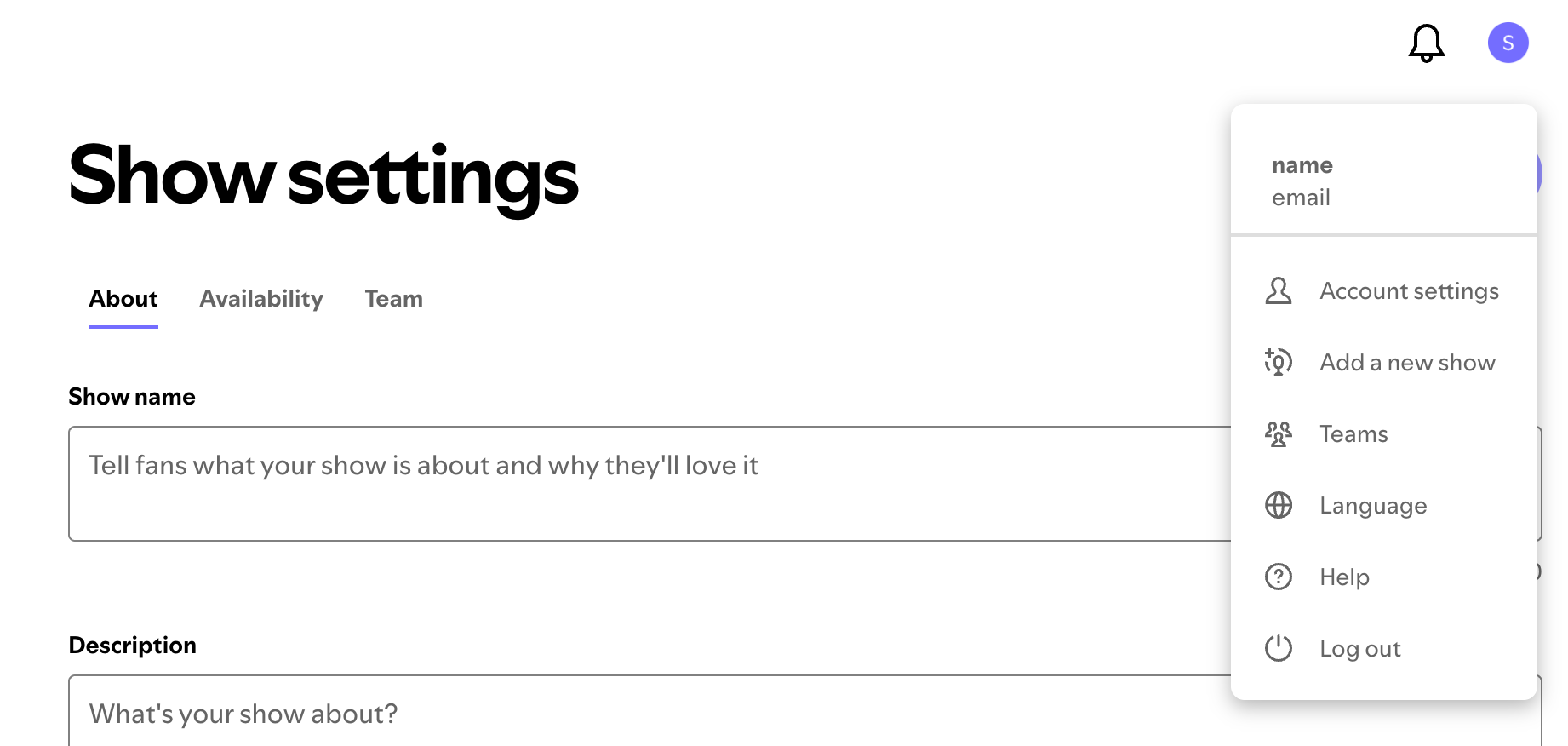
To add a podcast to Spotify, sign in to Spotify for Creators, login or create an account. Click “Add A New Show” and paste in your podcast’s RSS feed. Spotify will verify ownership by sending a code to the email tied to your feed, and once confirmed, your show will be published on Spotify.
Spotify is very sensitive to your feed having an episode that does not have an "Audio Only" encode. Open up the Overview->Videos list and check each video in your feed has audio. See the transcoding section above.
Tune In
To add a podcast to TuneIn, go to the TuneIn Podcast Submission page and fill out the form with your show’s details, including the RSS feed URL. After submission, TuneIn reviews the request, and once approved, your podcast becomes available on their platform.
iHeart Radio
To add a podcast RSS feed to iHeartRadio, create an account on the iHeartRadio Podcast Portal, then submit your show by pasting in the RSS feed along with basic details.
There is an ownership verification which sends an email to the account listed in your RSS feed. Once reviewed and approved, your podcast will be published on the platform.
Simplecast
Create account and add show in the Simplecast Creator Connect. You will get emailed at the address in the RSS feed.
Deezer
Deezer allows you to submit without creating an account but you do need to verify the feed is yours using email. Then you have to fill in your details where the other systems do this automatically.
Amazon Podcasts
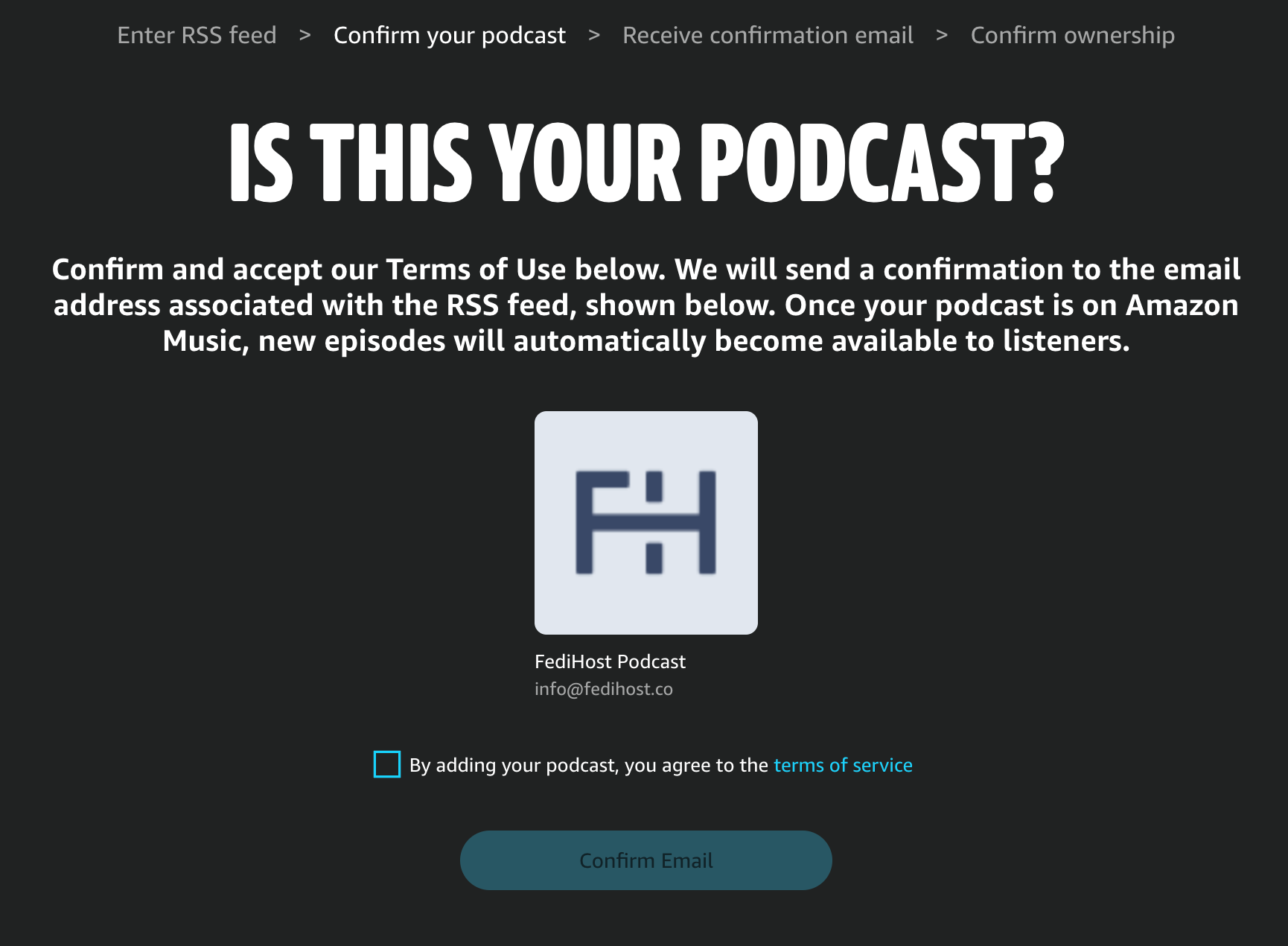
Create or use an Amazon account to login to Amazon Music for Podcasters.
The RSS feed will be verified via the email in your RSS feed.
How to handle issues with the hardest step of setting up managed hosting: DNS.

Running an Activity in the Pub is a great way to meet other people near you who are into the Fediverse

How to keep a secure copy of your YouTube channel on a PeerTube instance