Common DNS Issues With A Custom Domain
How to handle issues with the hardest step of setting up managed hosting: DNS.
By Paige Saunders
A custom domain requires some "DNS" settings to be changed usually with the service you used to register your domain. Lets go through the things to check.
I Am Unable To Create A Record
If you are in your DNS service provider and trying to create a record but getting an error try these steps:
Is There Already A Website There?
Many companies that sell domains will automatically point your domain at a placeholder page or their own hosting. Put the domain that you intend to use into your browsers address bar and check that it does not resolve to anything.
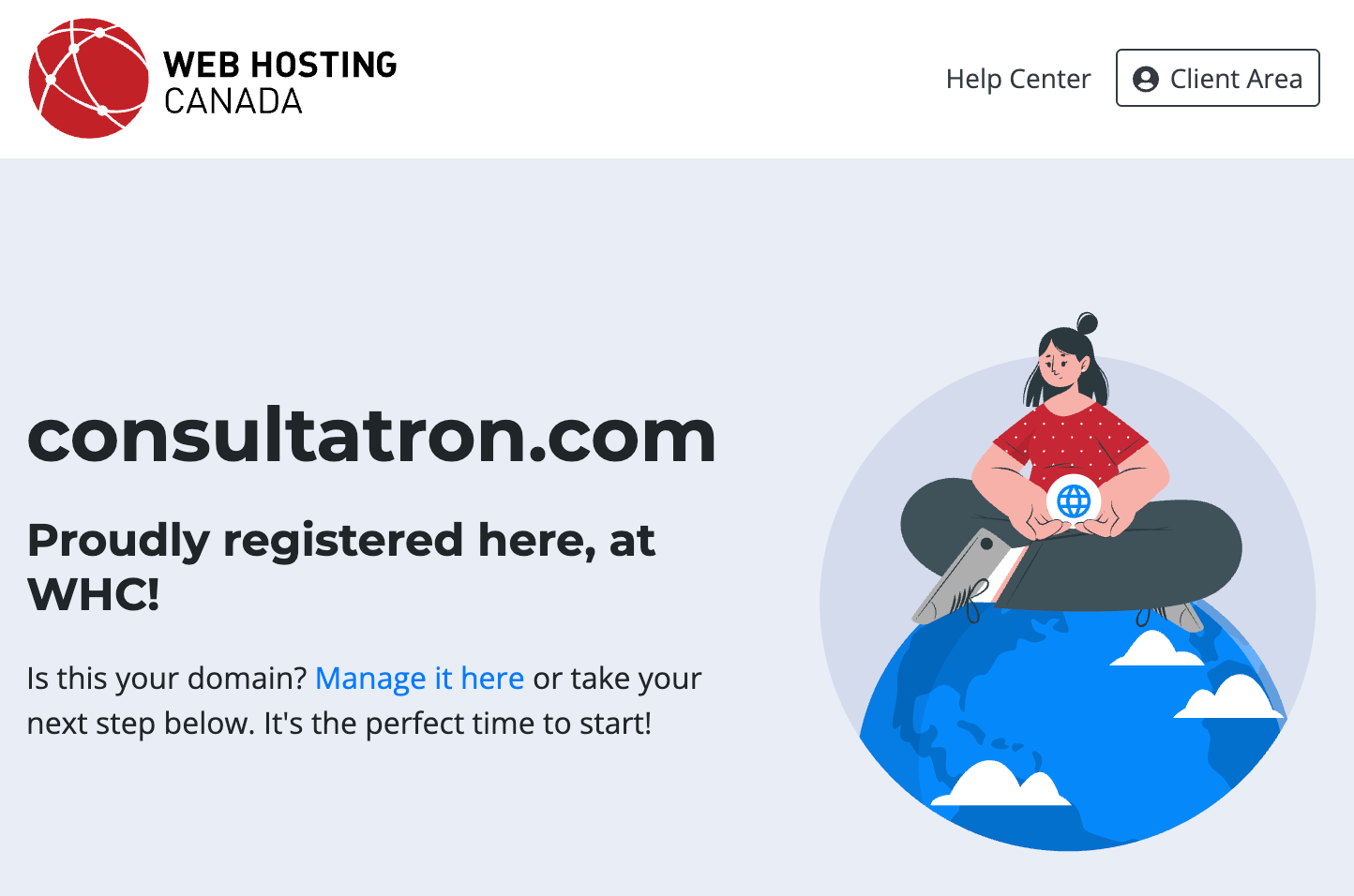
You must delete the record which is directing your domain to this placeholder page before you can create a record that points to FediHost.
Are Records Conflicting?
This is essentially the cause of the problem outlined above. You cannot have A, AAAA, ALIAS or CNAME records sharing the same hostname. Enter the domain that you want to use into this tool and check that there is no result.
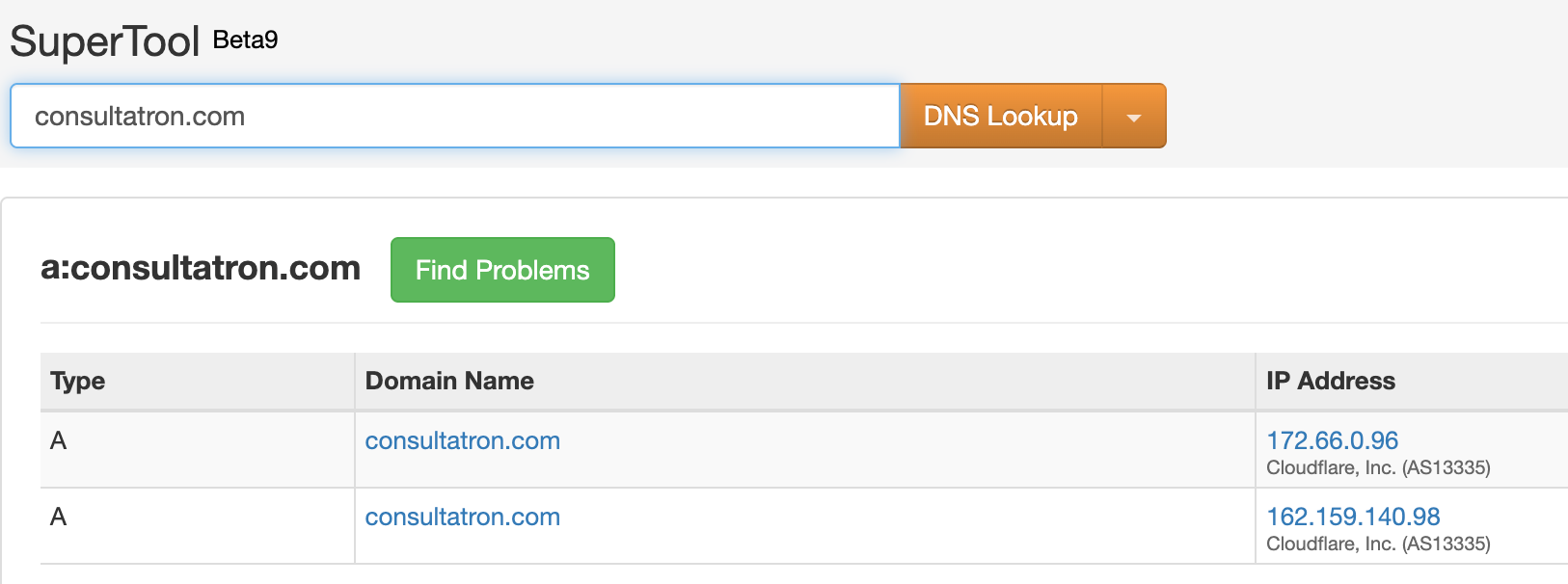
If there is a result, check that it the correct record type and goes to the correct address from the FediHost panel. If it is not correct delete and recreate the record.

Are you using the wrong record type?
Put the domain name that you would like to use in this tool and check the result.
Subdomains Use CNAME
If you have a subdomain you should see a "CNAME" record type. If you see an ALIAS or A record type for this subdomain you must delete it and replace it with a CNAME record type. You cannot have both a CNAME and an ALIAS pointed to the same location.
A subdomain is a domain like m.consultatron.com where there are two or more dots in the domain name. In this example the letter "m" is the subdomain but it could be anything like "mastodon.consultatron.com" or "mast.to.don.consultatron.com"
Root Domains Use ALIAS
If your FediHost service is at a root domain like consultatron.com and you want to use it to host your FediHost service you will need to use an ALIAS record type.
A root domain is a domain like consultatron.com where there is only one dot in the domain name.
There Is No "ALIAS" Type
Some providers don't have an "ALIAS" record type in which case the fallback options are:
- Try to use the A record type with the value set to 'lb.fedihost.co'
- Try using a CNAME record type with the "name" field value set to "@"
If neither of these simple options work and you do not want to use a subdomain you will need to change your DNS hosting.
Changing DNS Hosting
Here are instructions for the service Cloudflare which has a free account/service that will let you do this.
Warning Changing nameservers replaces all DNS settings at your domain host. If your domain is used for emails, webhosting or other services these services may stop working. If you are new to this, it's time to ask a friend for help.
1. Create an Account
- Go to cloudflare.com
- Click Sign Up and create an account
2. Add Your Website
- Click + Add Site
- Click Continue
- Select the Free plan ($0) → Continue
Enter:
yourdomain.com
3. Configure DNS
- Cloudflare will scan existing records
- Delete any A or CNAME records where the Name is:
@oryourdomain.com
4. Add Required Records
Root domain
- Type: CNAME
- Name:
@ - Target:
lb.fedihost.co - Proxy: OFF (orange cloud)
Click Save
5. Copy Cloudflare Nameservers
- Click Continue
- Copy the two Cloudflare nameservers shown. They will look like
xyz.ns.cloudflare.com
6. Change Nameservers on your Domain Host
- Log in to your domain host (where you purchased your domain)
- Find the option for Nameservers or "Use custom nameservers"
- Enter the two Cloudflare nameservers
- Leave any extra fields empty
- Save changes
7. Wait
- DNS changes can take up to 24 hours
- Cloudflare will confirm when the switch is complete
If you want, I can also add a “Before You Start” checklist for domains that do have email or hosting set up.
I Am Unable To See My Service
Wait At Least 12 Hours
If you have done all the steps correctly it is usually a matter of waiting for the DNS record to propagate. Some are almost instant, while others can take two days.
Is The Record Missing?
Put the domain name that you plan to use in this tool and check the result.
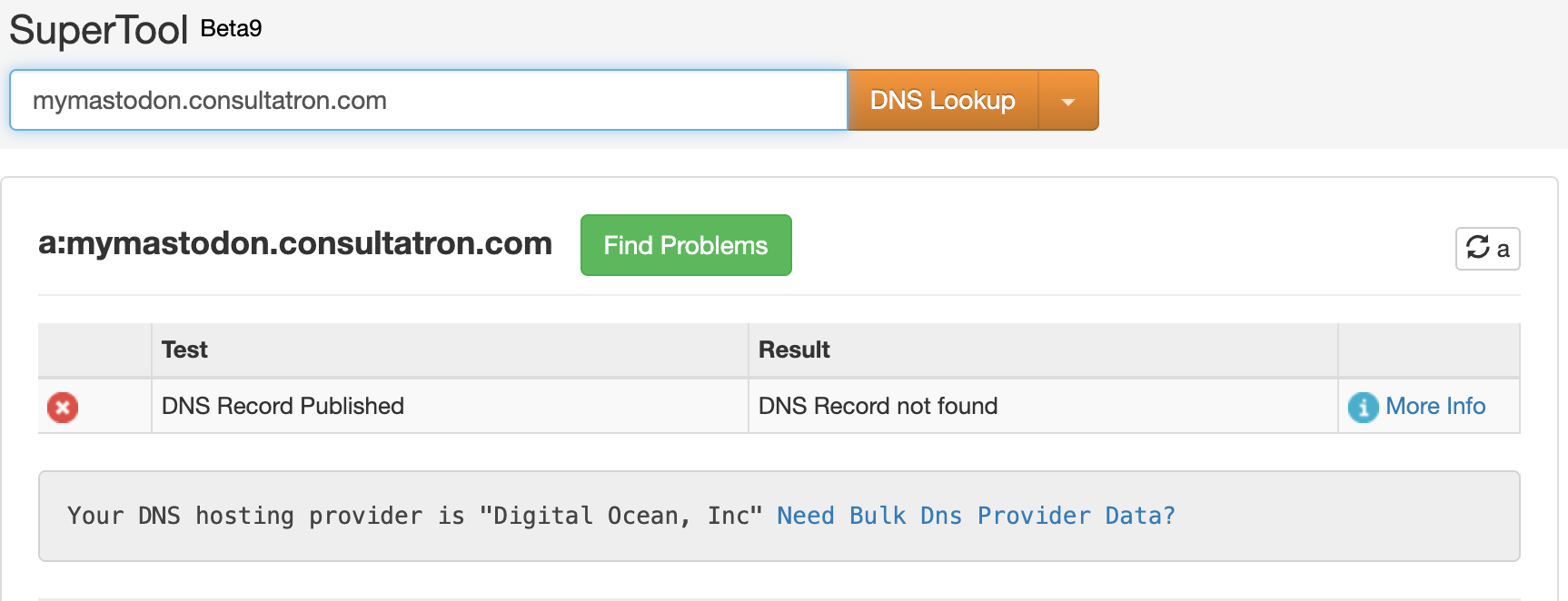
If no result is found then you need to create one with your DNS provider. Check there isn't a typo and that the provider listed below is the one that you are using.
Why is it so hard to change the Mastodon character limit?
Why an instance you deleted on FediHost is still showing up on the rest of the fediverse.